บริษัท สยามเดนท์ จำกัด
ภาษาไทย TH

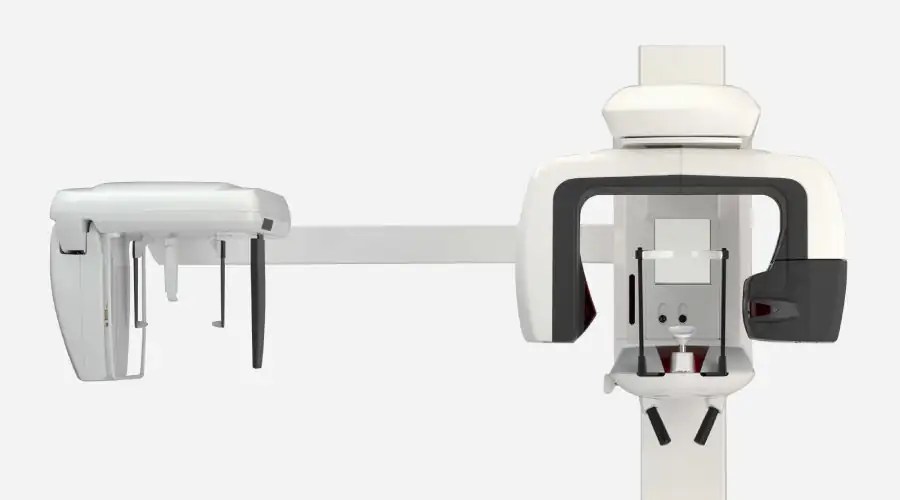
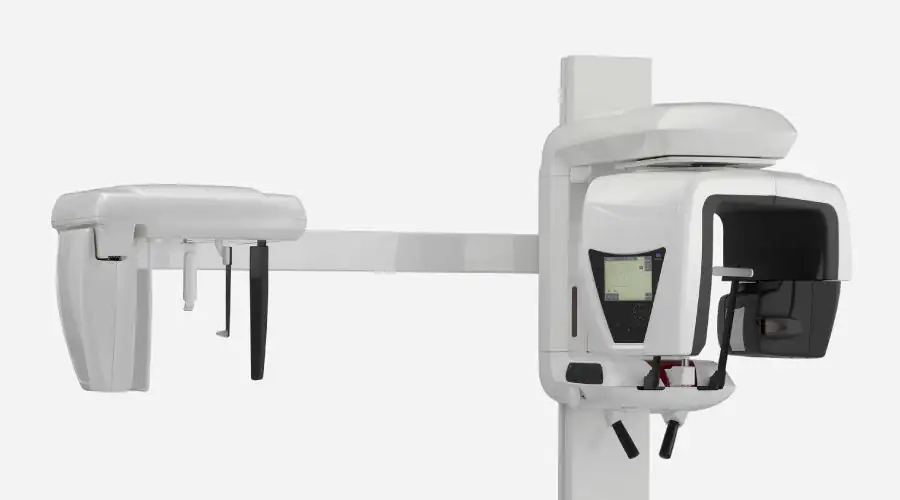
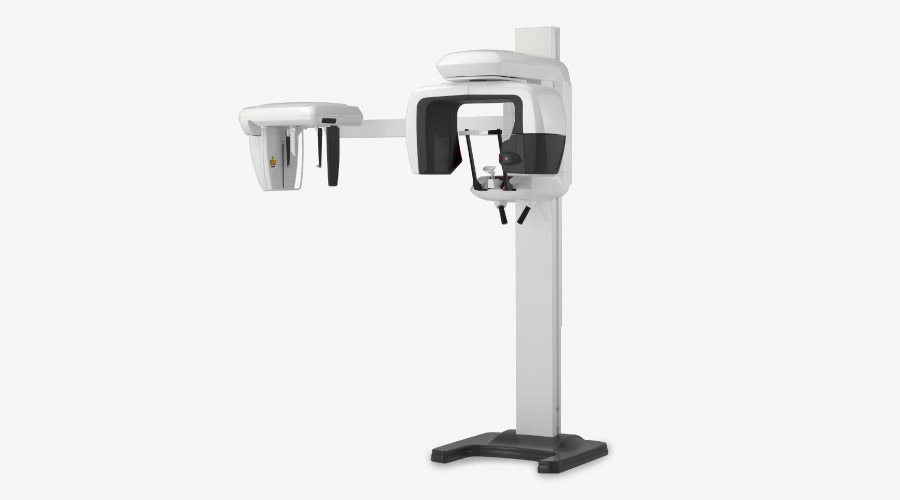
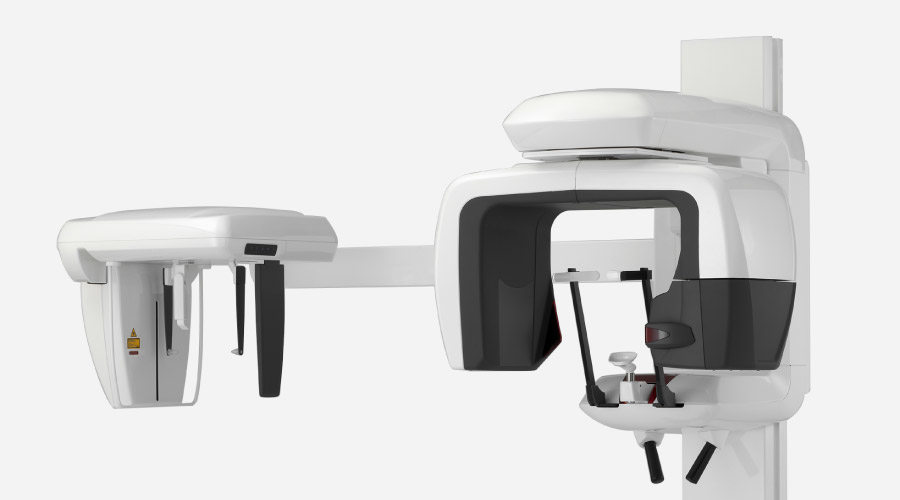
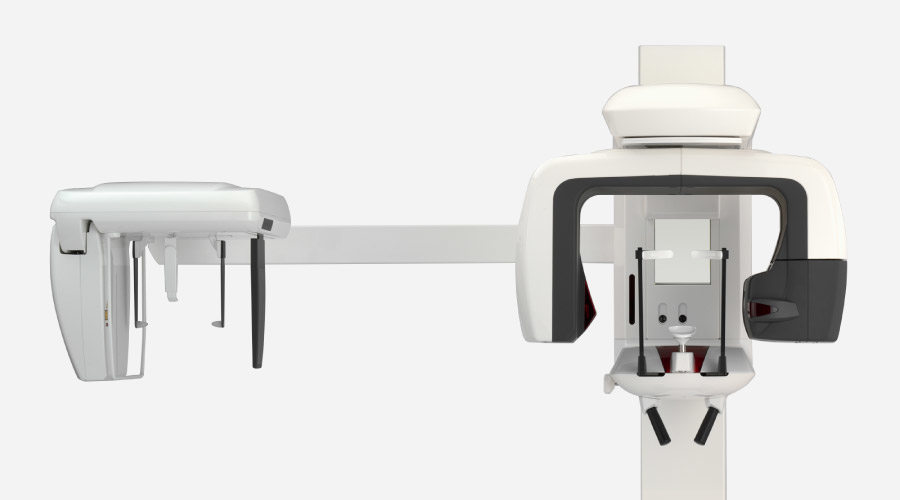
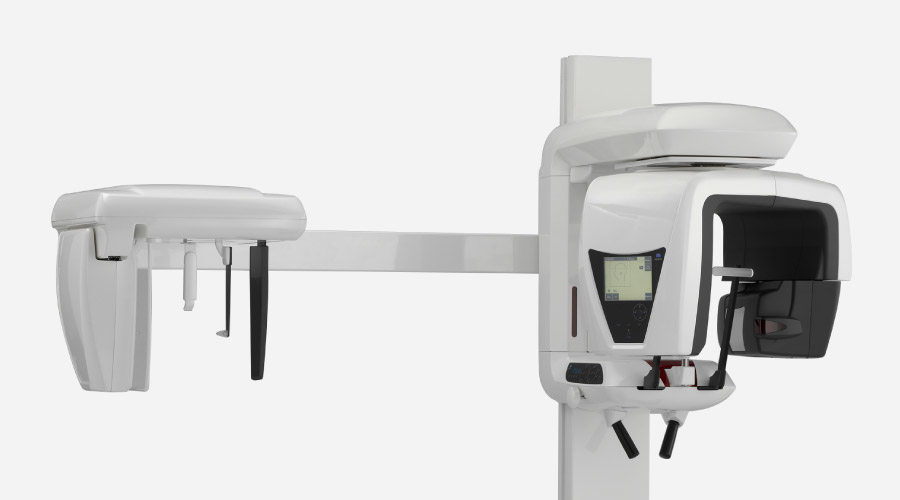
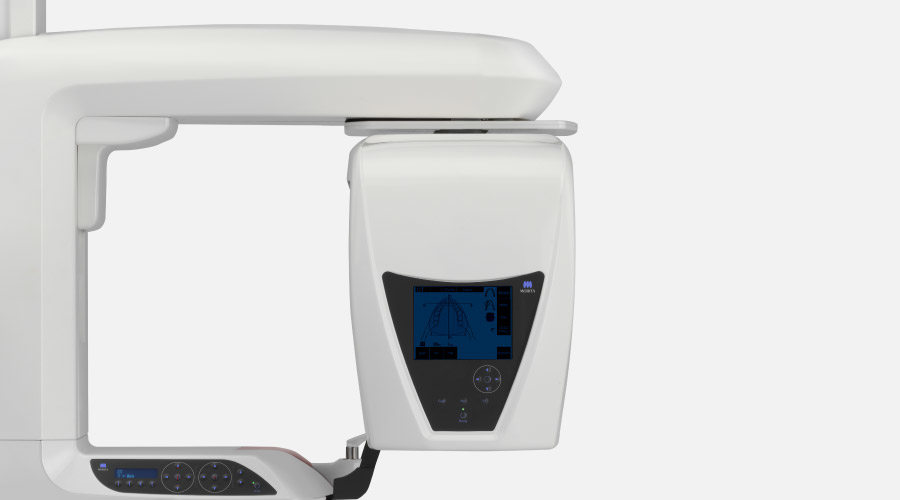
Veraviewepocs 3D R100

A New Frontier in X-ray Diagnostics
รายละเอียด

กลุ่มสินค้า DIAGNOSTIC AND IMAGING
ข้อมูลสินค้า

A New Frontier in X-ray Diagnostics


Specifications

รายละเอียดเพิ่มเติม

Highlights

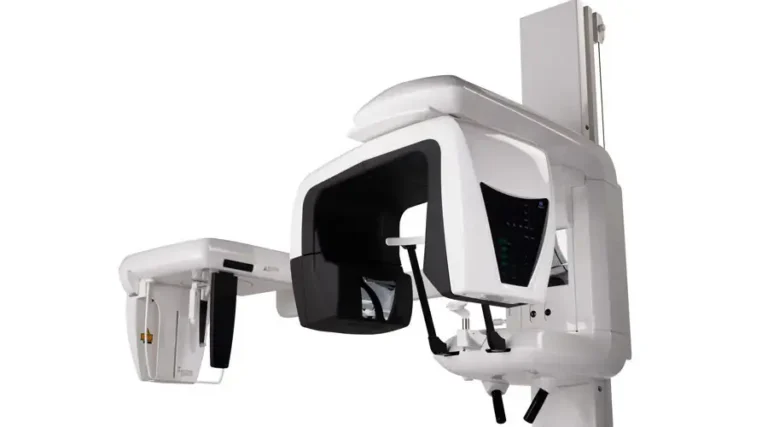
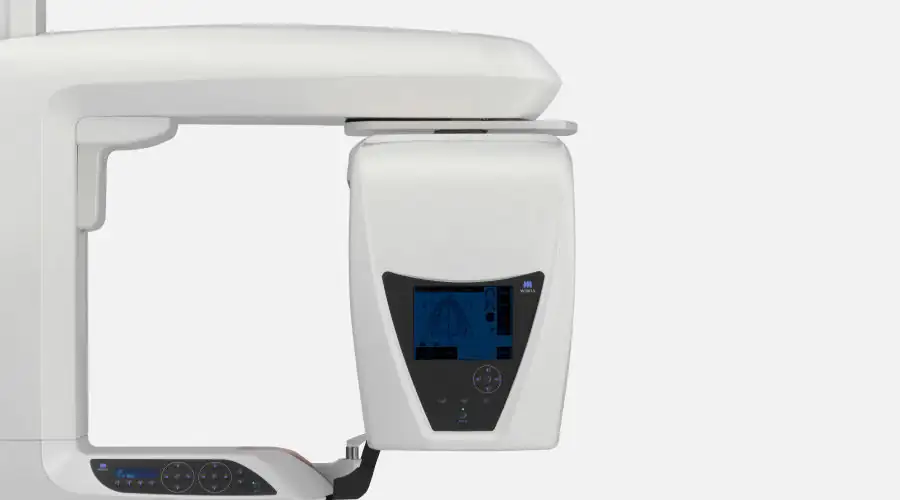
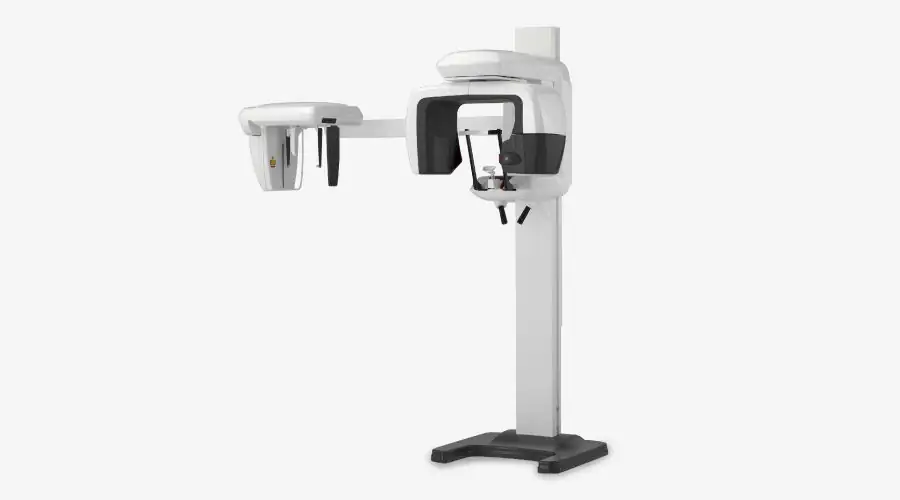
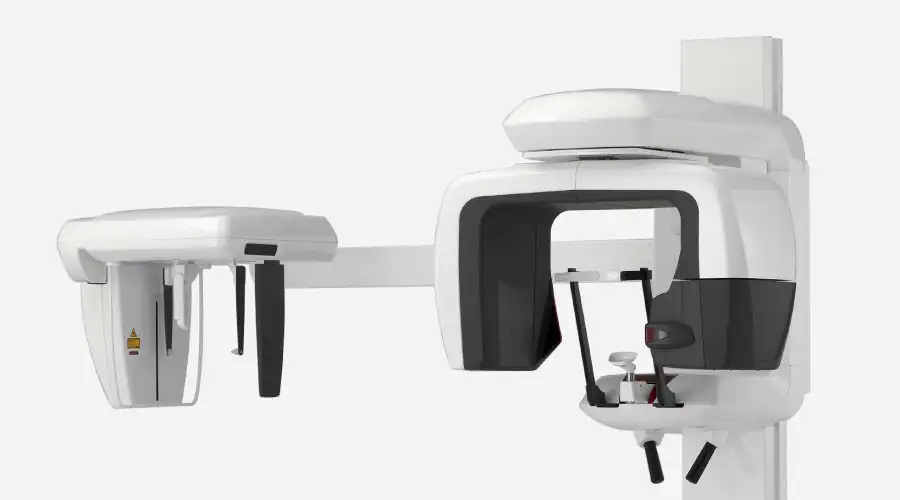
Veraviewepocs 3D R100 has changed the shape of 3D. This unit's groundbreaking and patented 3D Reuleaux Full Arch fields of view (FOVs) provide a unique shape for full arch imaging. With 8 field of view options and Morita's world renowned image quality, Veraviewepocs 3D R100 is suitable for a wide variety of dental applications including implant planning.
 
  • 3D Reuleaux Field of View
  • Various Fields of View
  • High Resolution Images with Dose Reduction Feature
  • Easy 3D Positioning
  • 3D Images for Implant Planning
  • Numerous clinical cases

Features

3D Reuleaux Field of View
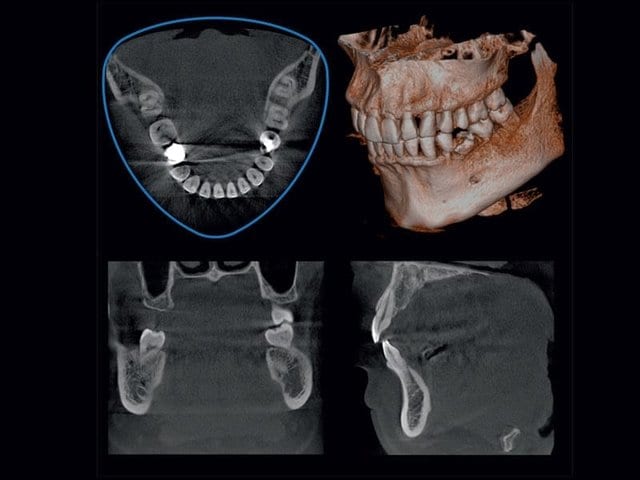
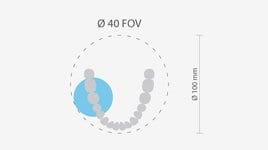
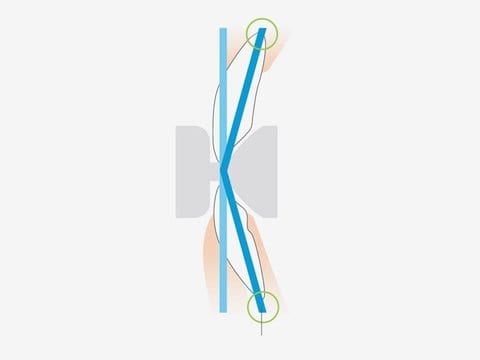
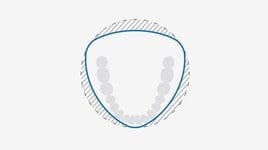
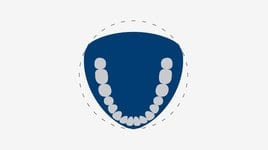
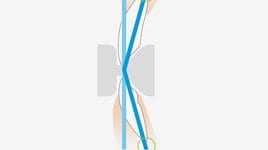
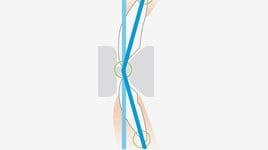
Morita’s new and completely unique 3D Reuleaux Full Arch FOV abandons the typical cylinder with a new convex triangle shape. By more closely matching the natural dental arch form, this groundbreaking FOV reduces dosage by excluding areas outside the region of interest and allows a complete scan of the maxilla and/or the mandible.
Blue line indicates new full arch FOV, equivalent to ∅ 100 mm
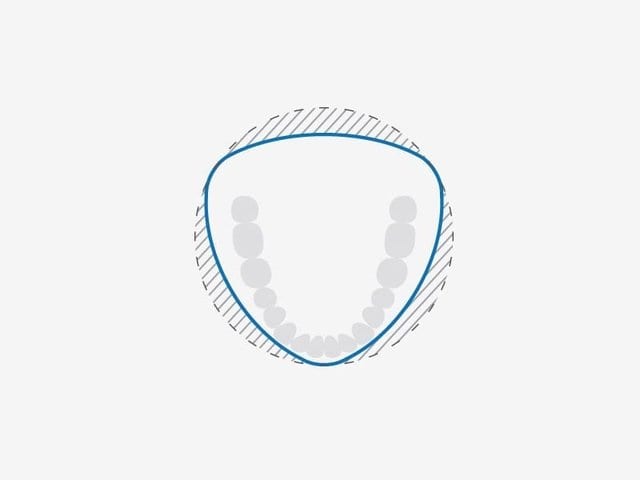
Innovative 3D Reuleaux Full Arch FOV reduces dosage.   Various fields of view – Exposure Areas for Multiple Diagnostics
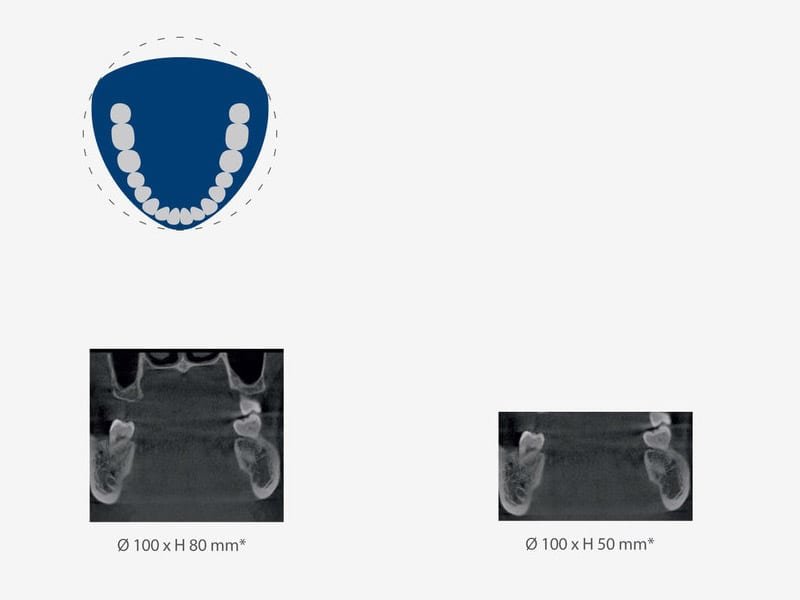
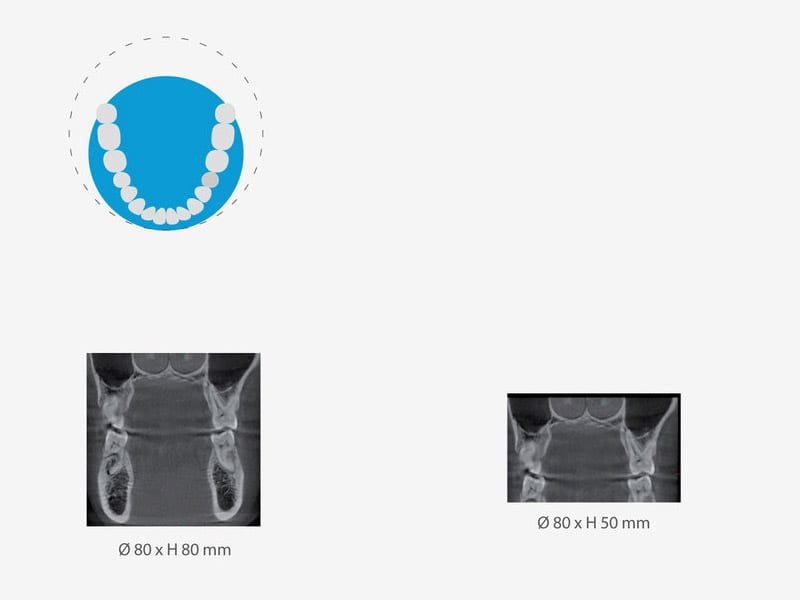
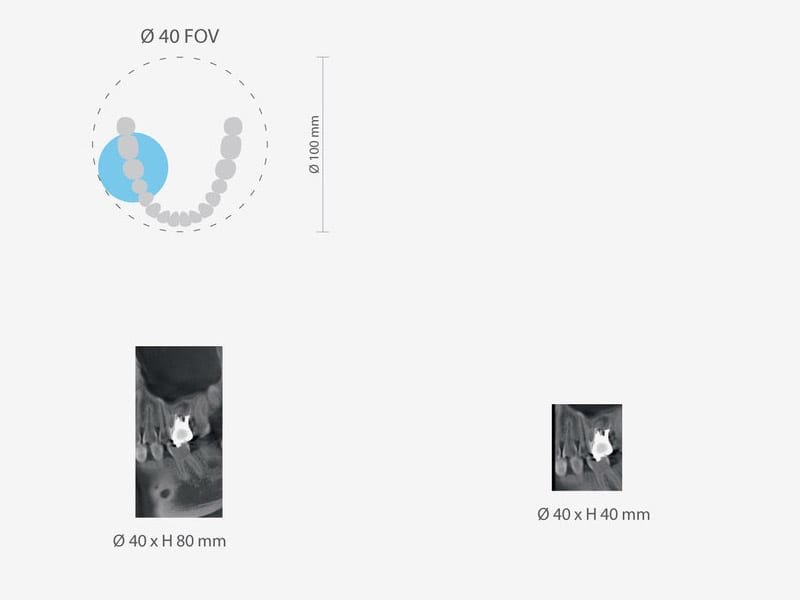
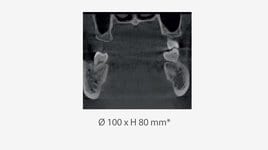
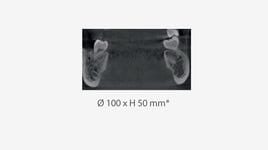
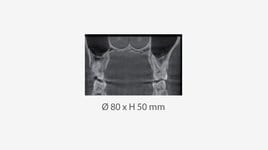
The Veraviewepocs 3D R100 model offers a total of 8 fields of view from Ø 40 x 40 mm up to Ø R 100 x 80 mm for various diagnostic needs. The new full arch scan captures the maxilla and/or the mandible with the equivalent of 100 mm in diameter and two height options of 50 or 80 mm. Its full arch capability, reduced dosage and exceptional clarity are ideal features for implant planning and oral surgery. This unit also offers small and medium field of view sizes suitable for endodontics, periodontics, as well as general dentistry.

8 various Fields of View:

R100 FOV
R80 FOV
F40 FOV
High Resolution Images with Dose Reduction Feature
Dosage reduction program

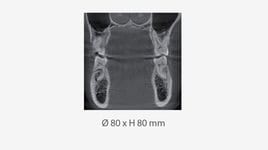
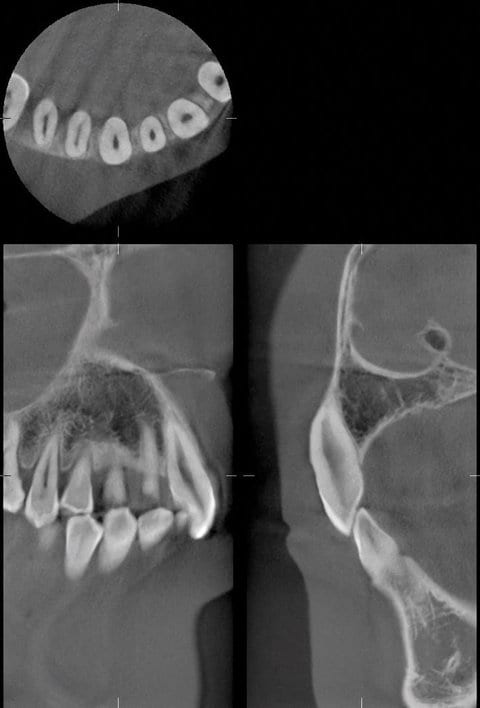
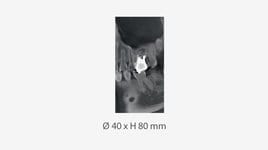
Through advanced engineering, a Dose Reduction Mode optimizes the intensity of the X-rays which lowers exposure for easily penetrated tissues. Up to 40 % of dosage is reduced compared to the standard mode (for Ø 40 X H 80 mm exposures). By maximizing efficiency, soft tissue, such as the maxillary sinus membrane and skin, appear sharper than ever before with fewer artifacts (Compared to standard exposure mode).

Resolution & Clarity

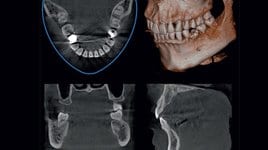
Veraviewepocs offers high resolution images. It provides clear images of the periodontal pocket, the periodontal ligament, and the alveolar bone. It is extremely useful for implant therapy from planning to post-operative observation.

Short radiation exposure time

With a radiation exposure time of 7.4 seconds for panoramic and just 9.4 seconds for 3D images, the patient is only subjected to X-ray radiation for a brief period.
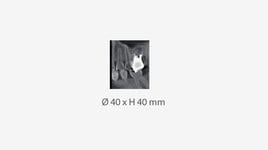
40 x 80 mm high resolution image taken in Dose Reduction Mode
Easy 3D Positioning
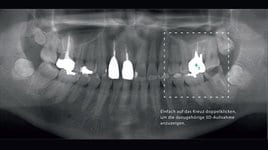
Veraviewepocs offers flexibility in positioning methods. The region of interest can be positioned by the panoramic image, the 2-directional scout, or the positioning laser beams.

Panoramic Image with Scout Feature

Before taking a 3D image, a high resolution panoramic exposure can be opened from the existing data base to target the region of interest on the PC monitor. You can select the desired area for the 3D volume rendering image and can activate, by mouse-click, the 3D X-ray image-capture

2-Directional Scout

After initial positioning is accomplished by the 3 positioning laser beams, 2-directional X-ray images can be taken to confirm that the position is accurate. If it is not, simply adjust the position of the image on the computer by placing the cursor at the center of the region of interest.

Direct Positioning with Laser Beams

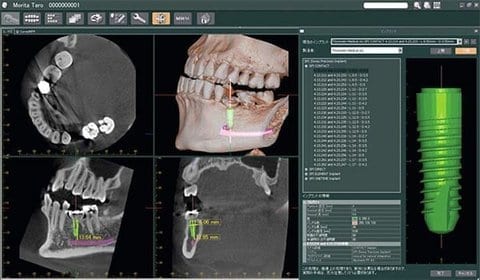
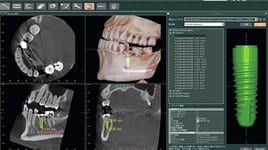
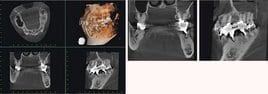
Positioning laser beams set the patient’s position and align the region of interest. The C-arm will automatically move to the right position.   3D Images for Implant Planning Successful placement of implants starts with the very critical and detailed planning process. Identifi cation of structures such as the sinus cavity, inferior alveolar nerve and clear views of the bone structure are needed. Veraviewepocs 3D R100 is ideal for implant planning with full arch imaging, industry leading clarity, and low dosage to the patient. The i-Dixel 2.0 software from Morita offers advanced implant planning features, plus compatibility with popular third party software. With this software you can highlight the mandibular canal for easier viewing, measuring the distance to the implant and determining its buccal and lingual position. Numerous clinical cases
In our database we have compiled many clinical cases. Convince yourself of the brillant image quality   Panoramic Imaging 

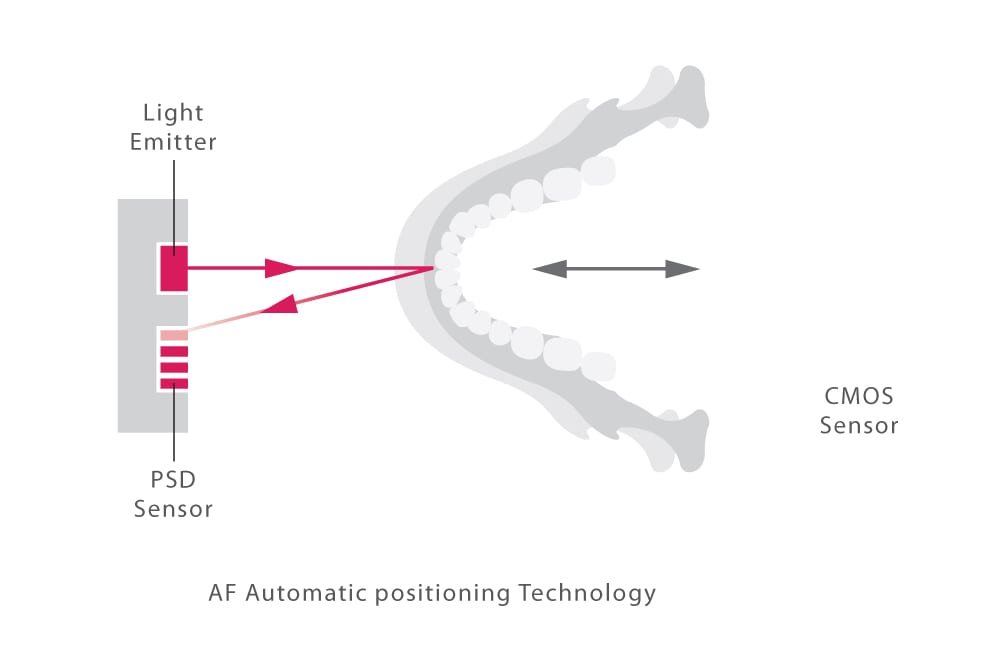
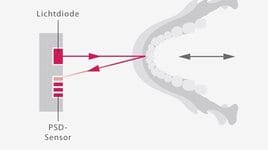
AF Automatic Positioning

This function makes patient positioning nearly effortless. A light beam sensor automatically positions the unit without requiring the patient to move. The light beam sensor measures the distance to the patient’s teeth, then the arm automatically moves into the optimal position. This process produces images with a high degree of reproducibility.

DDAE (Digital Direct Auto Exposure)

The DDAE function controls X-ray emission in real time depending on the area being examined and produces a wide dynamic range, as well as sharp and exceptionally clear images.  

AIE (Auto Image Enhancement)

This software processing function uses a logarithmic conversion to adjust the overall density and to highlight shaded details, creating a better image.  

Partial Panoramic Function

When a full panoramic image is not required, 1 to 5 sections of the panoramic image, as well as the maxillary sinus, can be excluded to expose only those areas within the region of interest. By excluding parts of the dental arch, dose is reduced. The partial panoramic function is easy to operate. Simply press the Partial Panorama key and the panoramic and maxillary sinus appear with equally divided sections. Select any to exclude them from the irradiation area.  

Standard Panoramic

The X-Y movement and arm rotation are coordinated by a computer control system to create a projection with the optimum image layer shape.

Shadow Reduction Panoramic

This projection controls the angle of X-ray penetration to reduce the mandibular ramus shadow.  

Orthoradial Panoramic

This projection controls the angle of X-ray penetration to reduce the overlapping of individual teeth.   Image Layer Adjustment After Exposure
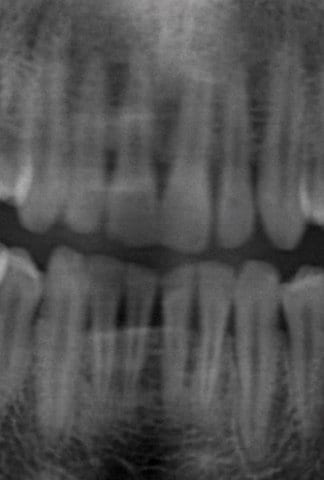
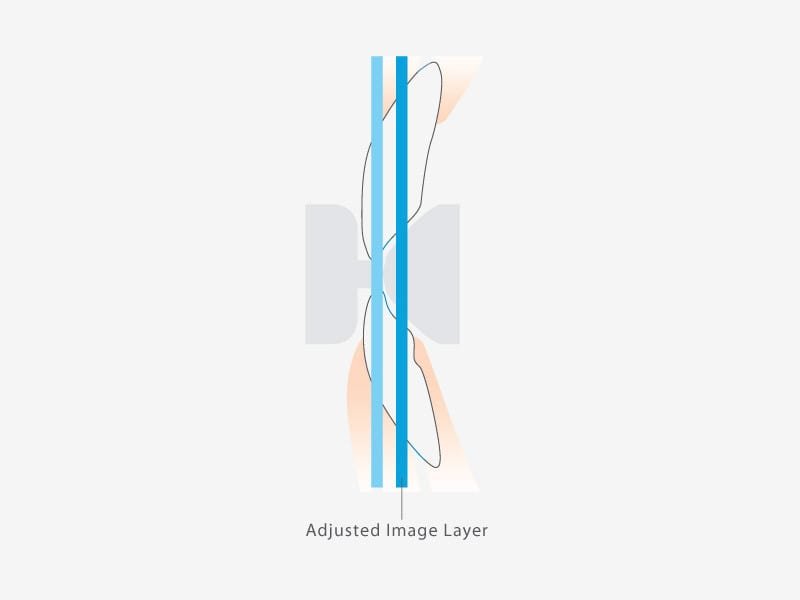
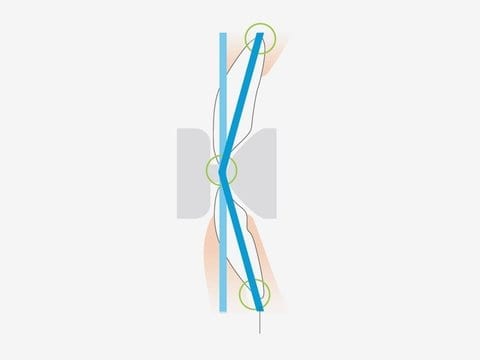
The image layer for panoramic images can be adjusted after the exposure has been made to improve clarity and sharpness. This function makes it possible to improve the image range for areas with differing depths as well as the surface. With this function you are able to choose between single, double or three-point adjustment.
Before Image Layer Adjustment
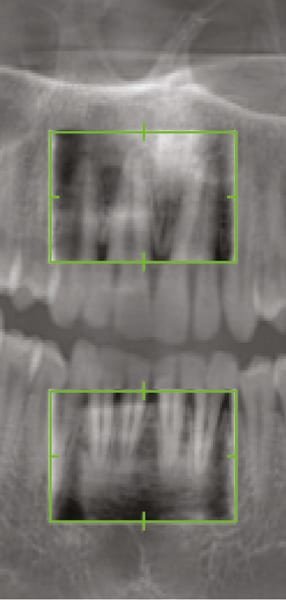
Preview images are shown in the green frame to support the manipulation of image layer adjustment
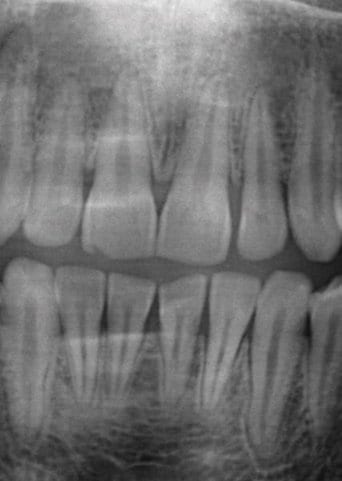
After Image Layer Adjustment
 
Cephalometric Imaging
The Veraviewepocs system offers high speed performance requiring only 4.9 seconds for a cephalometric scan. The speed helps ensure high quality images each and every time.

Low Dose

With only a tenth of the dosage compared to a conventional X-ray, the exposure level is significantly reduced. For pediatric patients, the reduced scan time is especially helpful as repeat images due to patient movement are virtually eliminated.

High Quality Image with Wide Dynamic Range

You obtain far more information about hard and soft tissue – with just a single acquisition.

Variable Imaging Processing

The variable image processing technique generates optimum grayscale values by varying scanning speeds for hard and soft tissue. With this technique, the entire exposure time is only 4.1 seconds. Without this feature, the processing time is 4.9 seconds.

Processing Time

Imaging process can be completed within 20 seconds.

Cephalometric programs

  • posterior-anterior
  • lateral
  • Handwrist radiograph

Media

Images

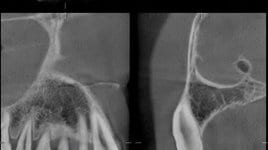
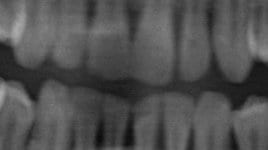
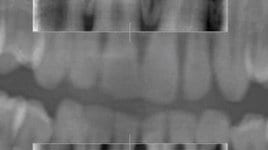
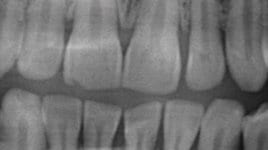
Blue line indicates new full arch FOV, equivalent to ∅ 100 mm Innovative 3D Reuleaux Full Arch FOV reduces dosage Various Fields of View - R100 FOV Various Fields of View - R100 FOV Various Fields of View - R100 FOV Various Fields of View - R100 FOV Various Fields of View - R80 FOV Various Fields of View - R80 FOV Various Fields of View - F40 FOV Various Fields of View - F40 FOV Various Fields of View - F40 FOV 40 x 80 mm high resolution image taken in Dose Reduction Mode Flexibility in positioning methods - the region of interest can be positioned by the panoramic image 3D Images for Implant Planning with i-Dixel Panoramic Imaging - AF Automatic Positioning Panoramic images before Image Layer Adjustment Preview images are shown in the green frame to support the manipulation of image layer adjustment Panoramic images after Image Layer Adjustment Adjusted image layer: Two points adjustment Adjusted image layer: Three points adjustment Endodontics case

Configuration

Models

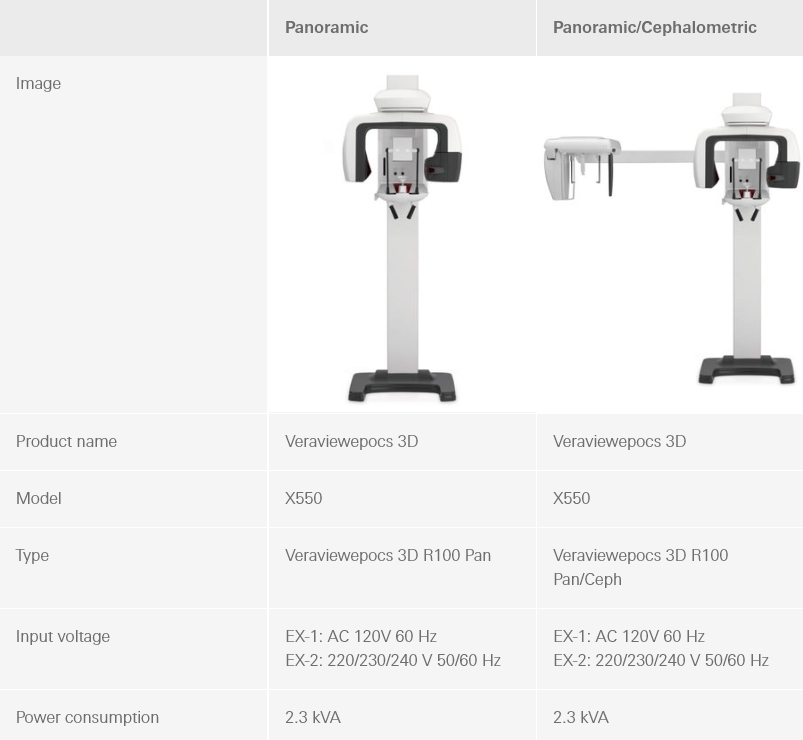
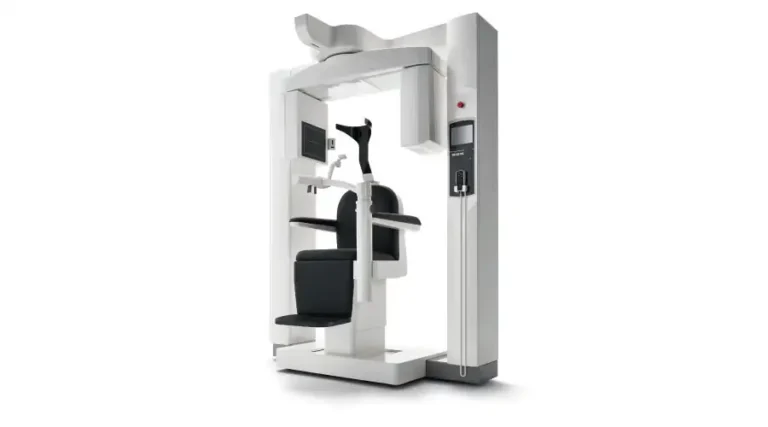
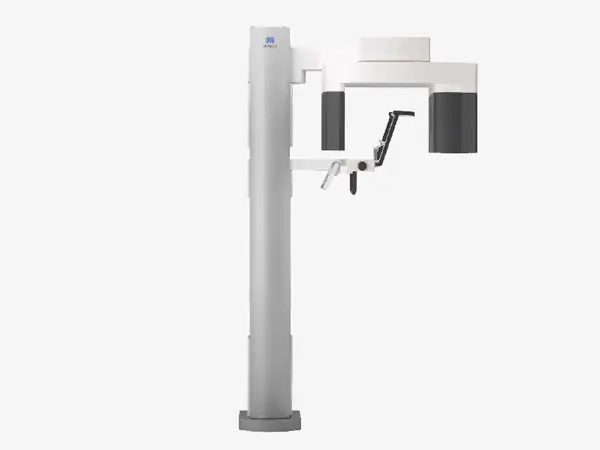
You can choose between two different models: The 2D/3D imaging system or the 2D/3D and Ceph system. On both models you have 3-year warranty.

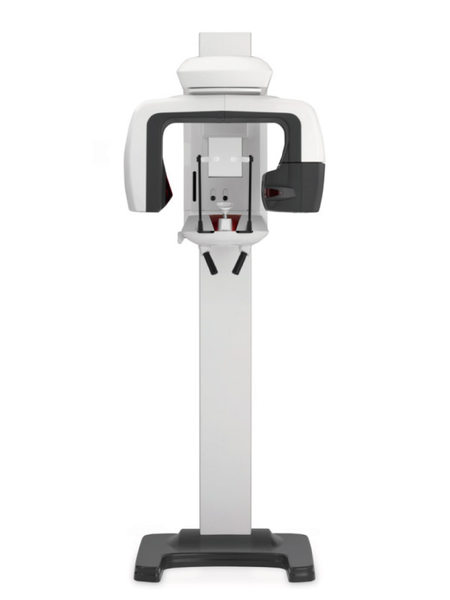
Veraviewepocs 3D R100 P

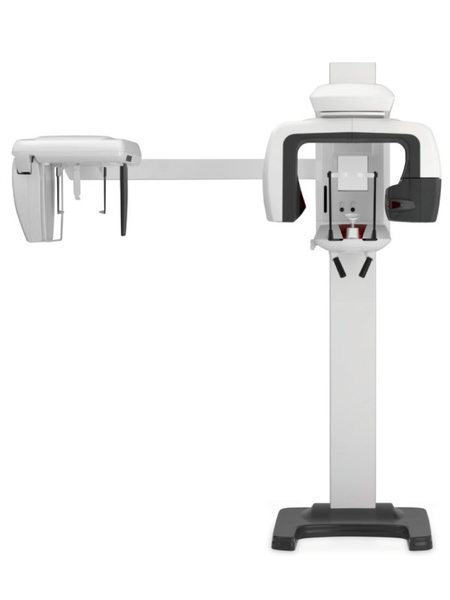
Veraviewepocs 3D R100 CP

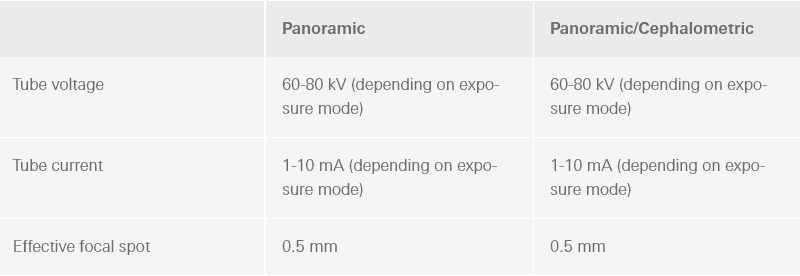
Technical_details

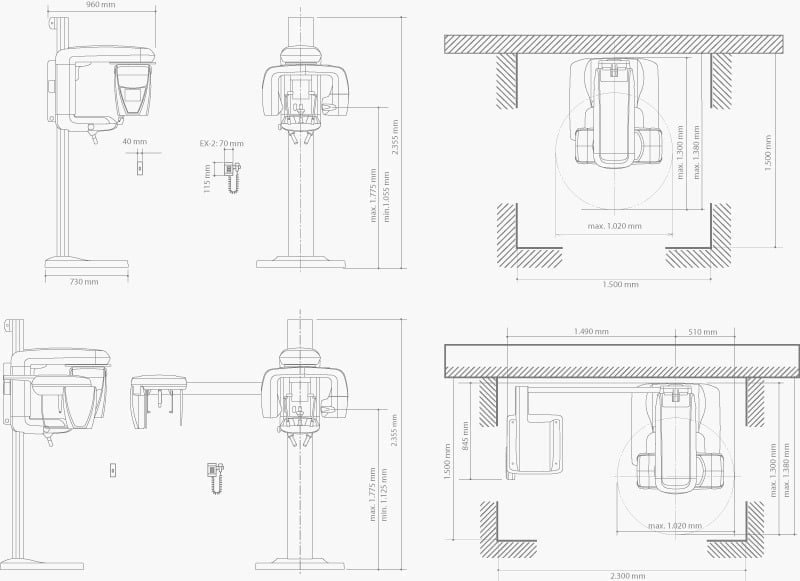
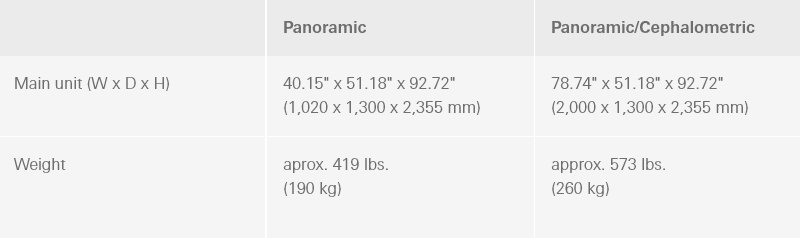
Dimensions


Specifications


X-ray generator


Dimensions


Hardware Minimum Requirements for Client PC (3D X-Ray)

  • PC with Windows operating system Windows XP and Windows 7 Professional
  • CPU: Intel Pentium IV 3 GHz or more
  • Main memory: RAM 2 GB or more
  • Hard drive: 20 GB or more recommended
  • Network: 100BASE-TX x2 or NIC of equivalent capacity
  • Note on back-up of data The person bearing responsibility for the data back-up prescribed by law shall be the operator of the unit in question. The data- base must be backed up each working day by saving to some external storage medium.

References

References from Studies using the Veraviewepocs 3D.

Below is a list of studies referencing the Veraviewepocs 3D. Comparative assessment of subjective image quality of cross-sectional cone-beam computed tomography scans. Study by: Kamburoglu, K., Murat, S., Kolsuz, E., Kurt, H., Yuksel, S., & Paksoy, C. (2011, December)